Changing an Active Directory username in CRM
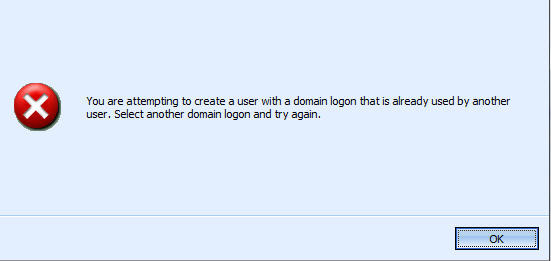
To get around it, I made the change directly in the organisation database. The domain login name is stored in the ‘DomainName’ column of the ‘SystemUserBase’ table, so I just edited the data within SQL management studio.
FYI – Although I do this, I don’t recommend making any changes to the CRM databases directly. A safer workaround is posted here
 Neil McDonald's Dynamics 365 and Power Platform Blog
Leave a comment