Google Maps in CRM
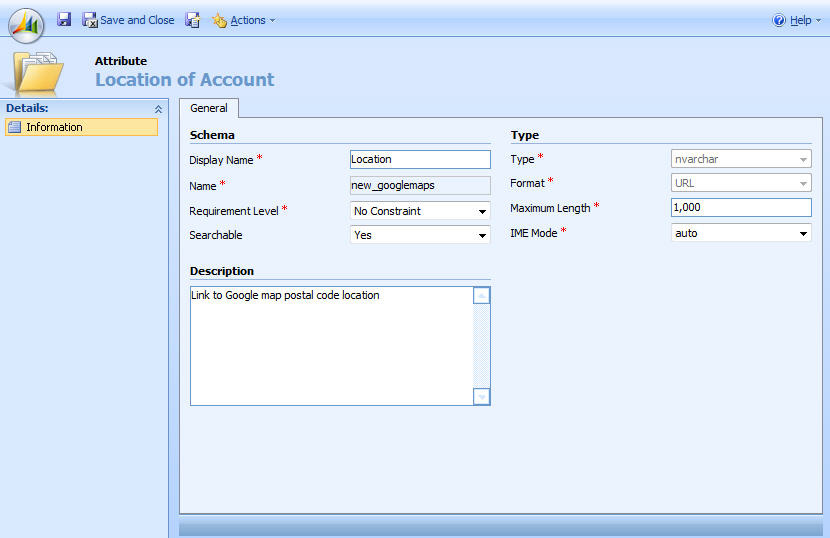
I wanted a quick way of viewing an Account’s location so I created a link to Google maps based on the postcode of the Account.
First of all, create an nvarchar/URL attribute called new_googlemaps, stick it somewhere on your Account form and then put the below javascript into the Account OnLoad event
crmForm.all.new_googlemaps.DataValue = “http://maps.google.com/maps?q=”+crmForm.all.address1_postalcode.DataValue;
It’s pretty basic but does exactly what I want. I’m going to look at embedding the actual map in an iframe when I get the chance
Edit: it turns out that Richard Knudson has covered embedding maps already on his site!
 Neil McDonald's Dynamics 365 and Power Platform Blog
This is a clever solution for quickly viewing account locations.
Rich
Feb 1, 2025 at 4:44 pm